











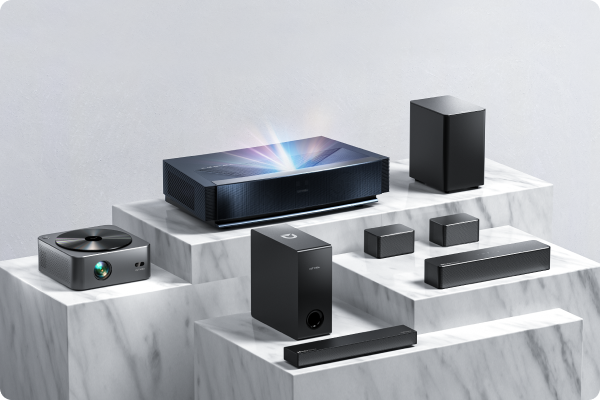


When selecting connection methods for multi-channel audio systems (such as home theaters, soundbars, or Hi-Fi setups), optical, HDMI, and AUX each have their pros and cons. Below is a detailed comparison and usage scenarios.
Optical Connection (TOSLINK)
Features:
-
Uses light signals, making it immune to electromagnetic interference.
-
Supports 5.1-channel audio (e.g., Dolby Digital, DTS) but not high-resolution lossless formats (like Dolby TrueHD, DTS-HD Master Audio).
-
Limited bandwidth (max 24-bit/192kHz PCM).
Best For:
✅ Connecting TV → soundbar or TV → AV receiver (basic surround sound).
✅ Longer cable runs (optical cables resist interference).
❌ Not suitable for 7.1-channel, Dolby Atmos, or high-res audio.
HDMI (Recommended First Choice)
Features:
-
Digital signal transmission supporting highest-quality audio/video (e.g., 8K HDR + Dolby Atmos).
-
Lossless audio formats (e.g., Dolby TrueHD, DTS:X).
-
Version differences:
-
HDMI ARC: Audio Return Channel (TV → audio system), supports 5.1-channel.
-
HDMI eARC (Enhanced ARC): Supports 7.1, Dolby Atmos, and higher bitrates.
-
Best For:
✅ Home theater systems (AV receiver + speakers) or premium soundbars (with eARC).
✅ Synchronized audio/video transmission (e.g., Blu-ray player → AV receiver → TV).
❌ Older devices may not support HDMI ARC/eARC.
AUX (3.5mm or RCA Analog Audio)
Features:
-
Analog signal transmission, prone to interference; quality depends on device decoding.
-
Stereo 2.0 only (no surround sound).
-
High compatibility (works with smartphones, PCs, older audio systems).
Best For:
✅ Temporary smartphone/PC → speaker connections.
✅ Older devices (e.g., CD players, cassette decks) with amplifiers.
❌ Not recommended for multi-channel systems (no surround effects).
Summary: Which to Choose?
| Connection Type | Max Audio Quality | Multi-Channel Support | Best Use Case |
| Optical | Compressed 5.1 | ✔️ Dolby Digital | Basic soundbars, TV setups |
| HDMI | Lossless Atmos | ✔️ 7.1/Atmos | Premium home theater, gaming |
| AUX | Stereo | ❌ | Temporary connections |
Final Recommendation:
-
Prioritize HDMI (eARC): Best future-proofing and audio quality.
-
Optical as backup: For budget setups or devices without HDMI support.
-
AUX for emergencies: Older devices or quick connections.

