










Bookshelf speakers can make music, movies, games, and everyday listening feel much more natural, but their sound depends on more than the speakers themselves. Placement matters.
Many beginners think they need to change cables, raise the volume, or adjust every setting when the sound feels unclear, uneven, or too bass-heavy. In many cases, the first thing to check is much simpler: where the speakers are placed.
The right placement can help vocals sound clearer, bass feel more controlled, and stereo sound feel more balanced. The good news is that you do not need a professional listening room to hear the difference. A few small adjustments can make bookshelf speakers work better in a desk setup, living room, bedroom, or music corner.
Why Bookshelf Speaker Placement Matters
Bookshelf speakers create sound from two separate positions: the left speaker and the right speaker. When they are placed well, your ears can hear a more natural stereo image, with vocals, instruments, and sound effects sitting in a clearer space.
When they are placed poorly, several problems can happen. Voices may sound off-center. Bass may feel too heavy or muddy. One side may sound louder than the other. Details may disappear if the speakers are too low, too close together, or blocked by objects.
This is why placement should always come before heavy sound adjustment. Before changing every EQ setting, try improving the speaker position first. A better position gives you a cleaner starting point.
Start With the Basic Listening Triangle
A simple way to place bookshelf speakers is to think of a triangle. The left speaker, right speaker, and your listening position should form three points of that triangle.
This does not need to be perfect. The goal is balance.
Keep the Left and Right Speakers Balanced
Try to place both speakers at a similar distance from where you usually sit. If one speaker is much closer than the other, the sound may feel pulled to one side.
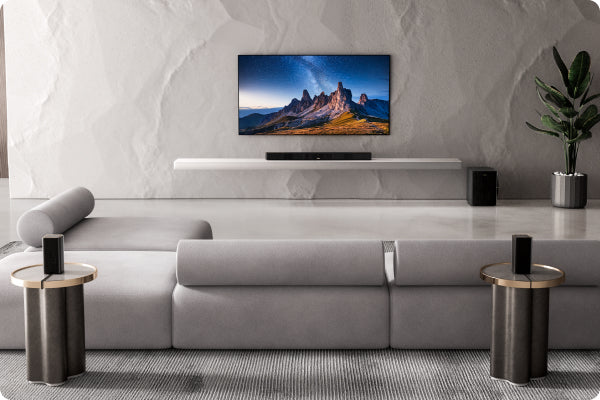
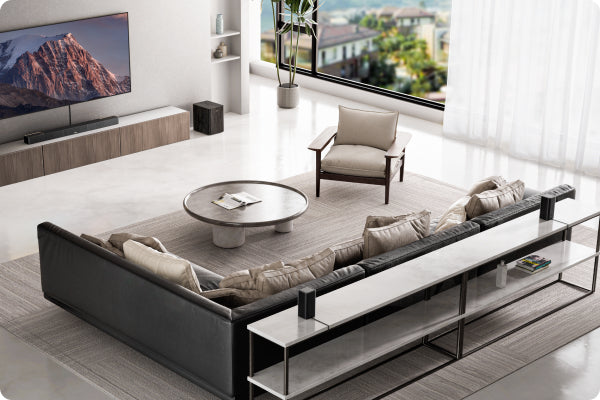
For a desk setup, this usually means placing the speakers on both sides of your monitor. For a living room, place them on both sides of the TV or media area. For a music corner, place them around the main listening seat rather than randomly on a shelf.
The space between the two speakers also matters. If they are too close together, the sound may feel narrow. If they are too far apart, the center image may feel weak. A good starting point is to keep the distance between the speakers close to the distance from each speaker to your listening position.
Place the Tweeters Near Ear Level
The tweeter is the smaller driver that handles higher-frequency details. These details affect clarity, vocal definition, and the sense of openness in the sound.
For better results, try to place the tweeters close to ear level when you are sitting down. If the speakers sit too low on a cabinet or desk, the sound may feel less direct. If they are too high, details may feel less focused.
If your speakers are too low, speaker stands, desktop stands, or angled isolation pads can help raise or tilt them toward your ears.
Angle the Speakers Toward Your Listening Position
Many bookshelf speakers sound better when they are slightly angled inward toward the listener. This is often called “toe-in.”
A small angle can help vocals sound more centered and improve the balance between the left and right speakers. You do not need to turn them sharply. Start with a slight inward angle, listen for a few minutes, and adjust from there.
If the sound feels too direct or too bright, reduce the angle. If vocals feel unfocused, angle the speakers inward a little more.
How Far Should Bookshelf Speakers Be From the Wall?
Wall distance has a big effect on bass. When speakers are placed too close to the back wall, bass can become stronger, but it may also become less clear.
Avoid Pushing Them Directly Against the Wall
If possible, leave some space between the back of the speaker and the wall. This helps reduce bass buildup and gives the sound more room to breathe.
There is no single perfect distance for every room. A practical beginner method is to start with a small gap, then move the speakers forward or backward in small steps.
If the bass sounds too heavy or muddy, pull the speakers slightly away from the wall. If the sound feels thin, move them a little closer. Small changes can make a noticeable difference.
Be Careful With Corners
Corners can make bass sound much stronger because the speaker is close to two walls at once. This can be useful in some cases, but it often makes the sound less balanced.
If your bookshelf speakers are placed tightly in a corner, you may hear more boom than detail. This is especially common in small rooms.
If corner placement is unavoidable, try angling the speakers toward your listening position and reducing low-frequency levels if your system allows it.
Best Placement for Different Rooms and Setups
Different spaces need slightly different placement choices. The best position for a desk may not be the best position for a living room.
Desk Setup
For a desk setup, place the speakers on the left and right sides of your monitor. Try to keep them at equal distance from your seat.
Avoid placing them directly behind the monitor or too close to large objects. If books, plants, screens, or desk items block the front of the speakers, clarity can suffer.
If the speakers sit flat on the desk and sound too low, use desktop stands or angled pads. This can bring the tweeters closer to ear level and reduce reflections from the desk surface.
Living Room or TV Setup
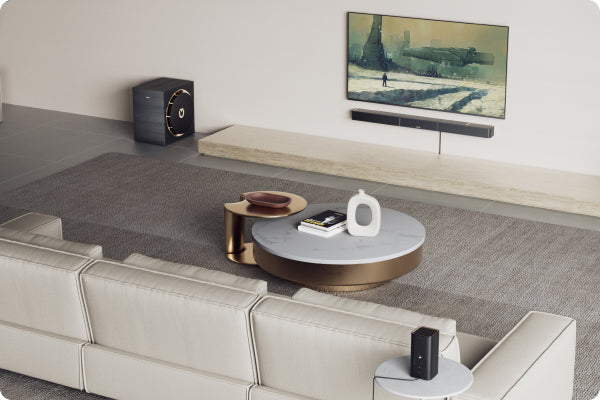
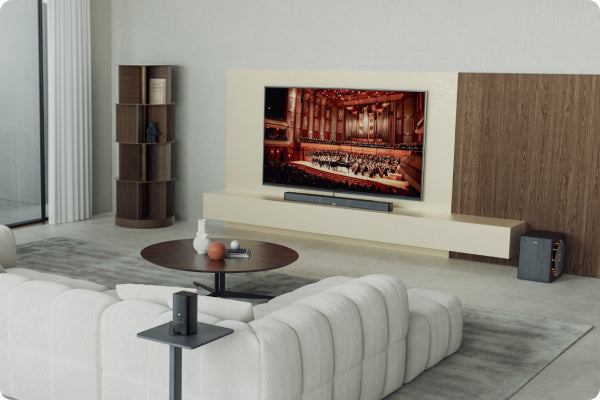
For a living room, bookshelf speakers often work best on both sides of the TV. They should face the main seating area, not the floor, ceiling, or side wall.
Try not to place them inside closed cabinets. A cabinet can trap and reflect sound, making it feel boxy or unclear. If you use a TV stand, keep the front of each speaker open and unobstructed.
If your TV stand is too low, speaker stands may help create a more balanced listening height.
Music Corner or Turntable Setup
For a music corner, keep the speakers balanced around the main listening position. Avoid placing one speaker near a wall while the other sits in open space, as this can make one side sound heavier.
If you use a turntable, avoid placing speakers too close to it on the same surface. Speaker vibration can affect playback. If possible, separate the turntable and speakers, or use isolation pads.
Soft room materials can also help. Rugs, curtains, and fabric furniture can reduce harsh reflections and make the sound more comfortable.
Quick Placement Guide
| Setup Area | Best Starting Point | What to Avoid |
|---|---|---|
| Desk | Speakers on both sides of the monitor, aimed toward your seat | Blocking the speaker front with desk items |
| Living room | Speakers on both sides of the TV, facing the sofa | Placing speakers inside closed cabinets |
| Small room | Moderate wall distance with slight inward angle | Tight corner placement |
| Music corner | Balanced left/right spacing around the listening seat | Putting speakers too close to a turntable |
| Bedroom | Ear-level placement when seated or lying in the main listening position | One speaker much closer than the other |
Common Bookshelf Speaker Placement Mistakes
Even small placement mistakes can change how your speakers sound. Here are a few beginner-friendly things to check.
Putting Speakers Too Close Together
When the left and right speakers are too close, the sound may feel narrow. Music can lose its sense of width, and movies or games may feel less spacious.
Try increasing the distance between the speakers slightly while keeping them balanced with your listening position.
Placing Speakers Inside a Closed Shelf
Although they are called bookshelf speakers, placing them deep inside a shelf is not always ideal. A closed shelf can create reflections and make the sound feel trapped.
If you use a shelf, bring the speakers closer to the front edge and keep the area around them as open as possible.
Blocking the Front of the Speakers
The front of each speaker should face the listening area clearly. Avoid placing objects directly in front of the drivers.
Even small items can affect clarity, especially if they block the tweeter or midrange area.
Using Uneven Placement
If one speaker is higher, lower, farther forward, or closer to a wall than the other, the sound may feel unbalanced.
Try to make both sides as similar as your room allows. Perfect symmetry is not always possible, but closer balance usually helps.
A Practical Example for Modern Bookshelf Speakers
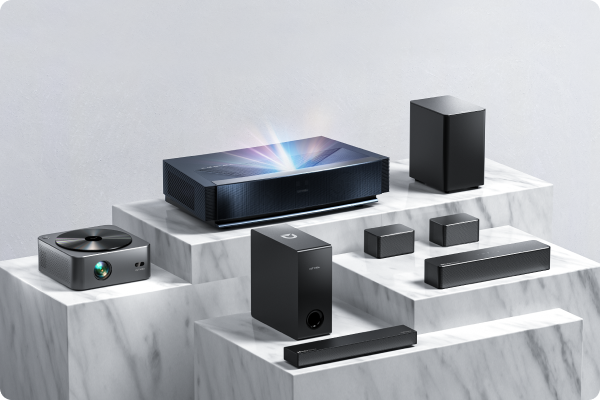
For users looking for a simple powered bookshelf speaker setup, Ultimea BS-3 can fit well into desk, music corner, or small living room layouts because it combines a 3-way driver design with modern connections and adjustable high, mid, and low frequency levels. The key is still placement first: keep both speakers balanced, place the tweeters near ear level, and make small adjustments based on how the room sounds.
Quick Placement Checklist Before You Start Listening
Before deciding that your speakers do not sound right, go through this simple checklist:
- Are both speakers the same distance from your listening position?
- Are the tweeters close to ear level?
- Is anything blocking the front of the speakers?
- Are the speakers too close to the wall or corners?
- Do vocals sound centered?
- Is the bass full but not muddy?
- Have you tried slightly angling the speakers inward?
- Have you moved the speakers in small steps and listened again?
If most of these points are checked, your speaker setup is already in a better position for everyday listening.
Final Thoughts
Bookshelf speaker placement does not need to be complicated. For most beginners, the biggest improvements come from a few simple steps: balance the left and right speakers, keep the tweeters near ear level, avoid blocking the front, and be mindful of walls and corners.
Every room sounds different, so there is no one perfect position for everyone. Start with the basic placement rules, listen carefully, and adjust one thing at a time.
Better sound often begins with better placement.

