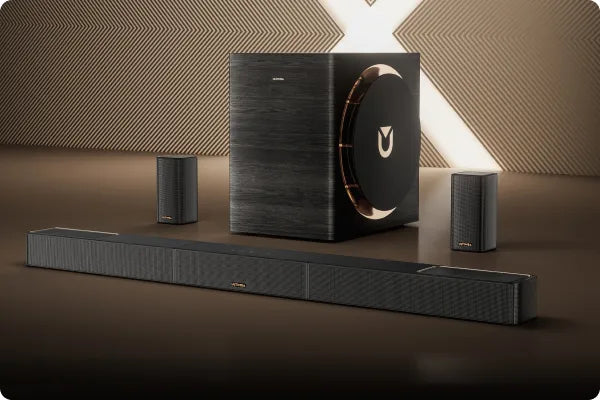


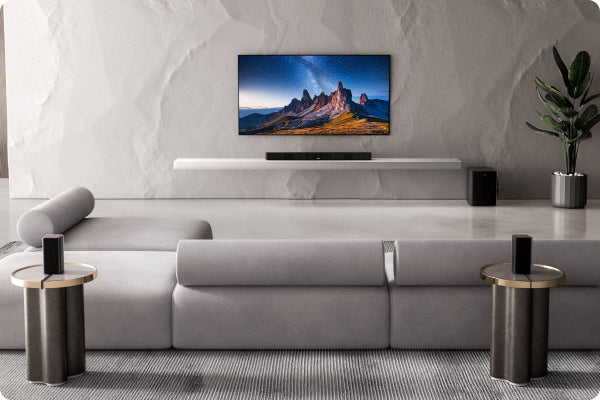


Poseidon D80 Boom
7.1 Ch Soundbar with App Control


You can delete your ULTIMEA account and associated personal data at any time.
How to Delete Your Account
To delete your ULTIMEA account, please open the ULTIMEA App, go to:
Settings → Account → Delete Account
Follow the instructions in the app to permanently delete your account and associated data.
If you are unable to access your Singcore account or cannot complete the deletion process, please contact us at: support@ultimea.com
Please include the email address associated with your ULTIMEA account so that we can assist you with your deletion request.
Data Deletion
When your account is deleted, associated personal information and account-related data will be deleted or anonymized, subject to information that we are required to retain by law or for legitimate business purposes.